


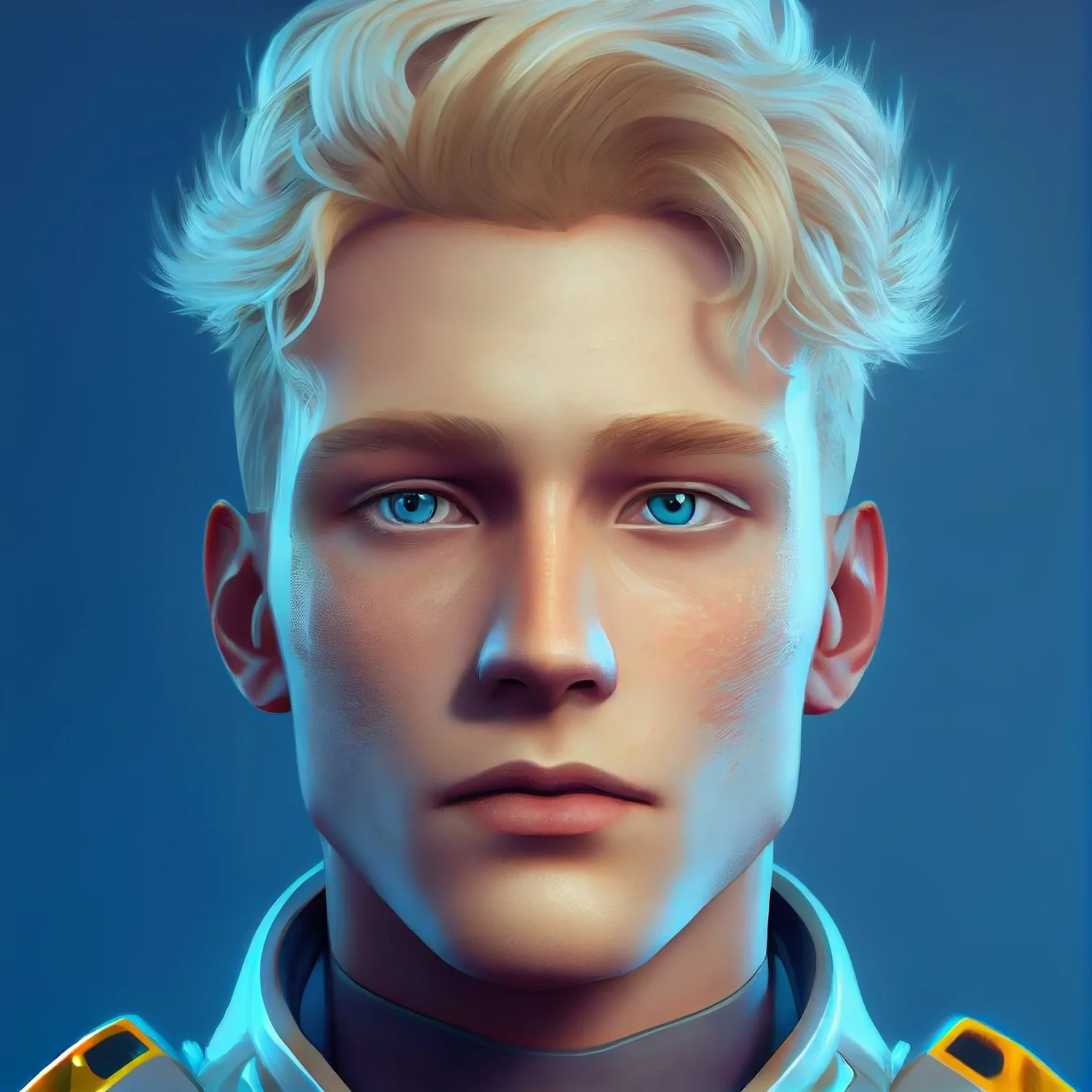
We’ve put together a video featuring D-ID in just under 5 minutes, and now we’re going to show you how you can do it too!
-
Step 1: Generate a face at Midjourney
Get started by creating a face using the specified prompts. Ensure the image file size is under 5Mb to work smoothly. -
Step 2: Create a FREE trial account at D-ID
-
Step 3: Upload Your Avatar Image
Click the big plus button to upload your avatar image aka the “Presenter”. -
Step 4: Tell the presenter what to say
Type in the text for the avatar to speak and select a voice. You can even let AI expand the text for you. -
Step 5: Generate and Download
Click the “Generate Video” button and in just a few minutes, your video will be ready for download. -
That’s it!
D-ID offers a cost-effective plan starting at $5.99/month, making it perfect for businesses looking to enhance their websites and social media content beyond the initial free credits.
Note: Although this post was written by a human, the video creation process with D-ID is all AI-powered!